|
Component |
d.ecs rendition service |
|---|---|
|
Version |
8.1 - Annual 2024 |
|
Created on |
|
|
Last modified on |
An error occurred Failed to render Workflows Metadata macro on page 2166390881 during export. If this problem continues, please contact our Customer Support Team for assistance. |
|
Review status |
An error occurred Failed to render Workflows Metadata macro on page 2166390881 during export. If this problem continues, please contact our Customer Support Team for assistance. |
|
KB article number |
577077581 |
Summary
It can happen that some DWG files (AutoCAD file for drawings) are incomplete (empty), which are converted into a PDF file by d.ecs rendition service and ZWCAD.
The DWG files converted into a PDF file only have blank pages on which only a frame is displayed without any further content.
In this KB article you will learn how to fix the problem.
Solution
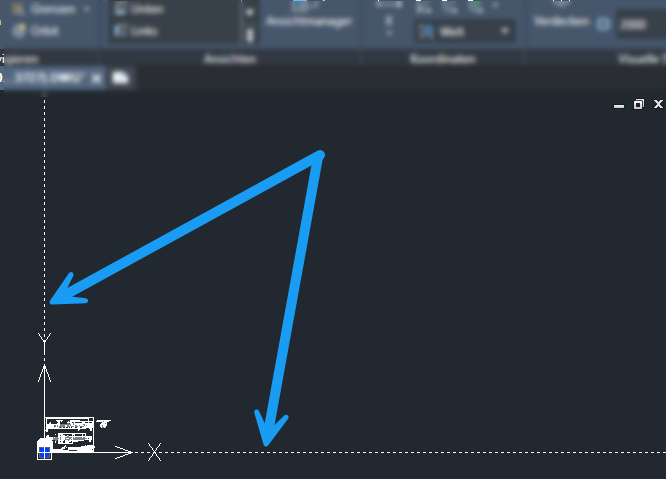
The reason for the missing content of the original DWG file is that d.ecs rendition service zooms out the focus when displaying the drawing until everything - including the frame - can be printed.
If the original graphic (DWG file) is very small, the graphic will no longer be displayed on the full print.
You can edit the original DWG file in an appropriate application by removing the frame lines. The content is now displayed in full.